
Wabasha County Traffic Court Records
Once a citation is filed with the courts, it moves through Wabasha County District Court. The state Court Payment Center assigns every submitted citation a unique MNCIS case number. What follows is a court record: the citation itself, case events, any hearing, a plea or disposition, the balance due, payments, and any court order the public-access rules allow.
A Wabasha traffic court case is not the same as a city administrative ticket. That kind of ticket never reaches District Court. The court offers no separate citation-number portal apart from MCRO. Public routes are MCRO Case Search, MCRO Hearing Search, the Wabasha weekly calendar, Court Administration, and the traffic line.
Wabasha Citation and MNCIS Numbers
The citation number is printed right on the ticket. In MCRO, the Citation Number tab accepts the full value. After the court takes the citation, the MNCIS case number becomes the court-file identifier. Enter the whole number either way. Dashes and leading zeros are optional. Leave out spaces, since a partial value can trigger an error.
The citation number is the easy starting point. The MNCIS number goes further. It links you to Case Details, Document Search, and the Register of Actions. Do not treat a generic visual form like XX-TR-XXXX as a published Wabasha formula. Use the real number from your citation or court notice. Then confirm the Wabasha court location in the result.
Note: A citation identifier finds a court matter only once it is inside the Judicial Branch system. It does not prove that every city-issued notice is a District Court case.
Looking Up a Traffic Ticket in Wabasha
Start in MCRO: accept the terms, then choose Citation Number or Case Number. No number handy? Person search works with a last and first name. You can narrow the results by Date Filed, Wabasha Court Locations, Case Status, and the Criminal category where it fits. Status options are All, Active, and Inactive. Name searches can miss pending traffic, petty-misdemeanor, or criminal matters with no conviction. A number stays the strongest route to the court docket you want.
- Read the citation and keep the citation number and Appear By information available.
- Use the MCRO Citation Number or Case Number tab with the complete entry.
- Confirm Wabasha County District Court, the case number, case type, and status in Case Details.
- Read Case Events, Hearings, Dispositions, and Financial Information.
- Check the current Wabasha calendar or call the traffic line if a court date needs confirmation.
The traffic line is (800) 657-3611. Call it for a citation-specific question, contest instructions, or a scheduling issue with a current case. When you have a case number, it does not replace a full MCRO search.
Wabasha Traffic Search Fields
Traffic docket lookup uses the same statewide MCRO controls that serve other Wabasha court cases. A dedicated Citation Number path is added. Hearing Search lets you set an exact date or a range for a public setting. On some payable citations, the case detail shows an Appear By field. The official description calls it the last day to pay or set a hearing. That day comes without added penalties or a conviction for eligible matters. Still, read the citation and the case record, because no single universal deadline is published.
| Field | Type | Traffic search use |
|---|---|---|
| Citation Number | MCRO tab and text | Complete citation; no spaces. |
| Case Number | MCRO tab and text | MNCIS number after court submission. |
| Person name | Person search | Last and first name required. |
| County | Location checklist | Select Wabasha or statewide. |
| Hearing Date | Hearing Search date | Exact day or date range. |
| Appear By | Case-detail date | Read with citation instructions. |
The Minnesota Court Payment Center information provides the official payment-path context.
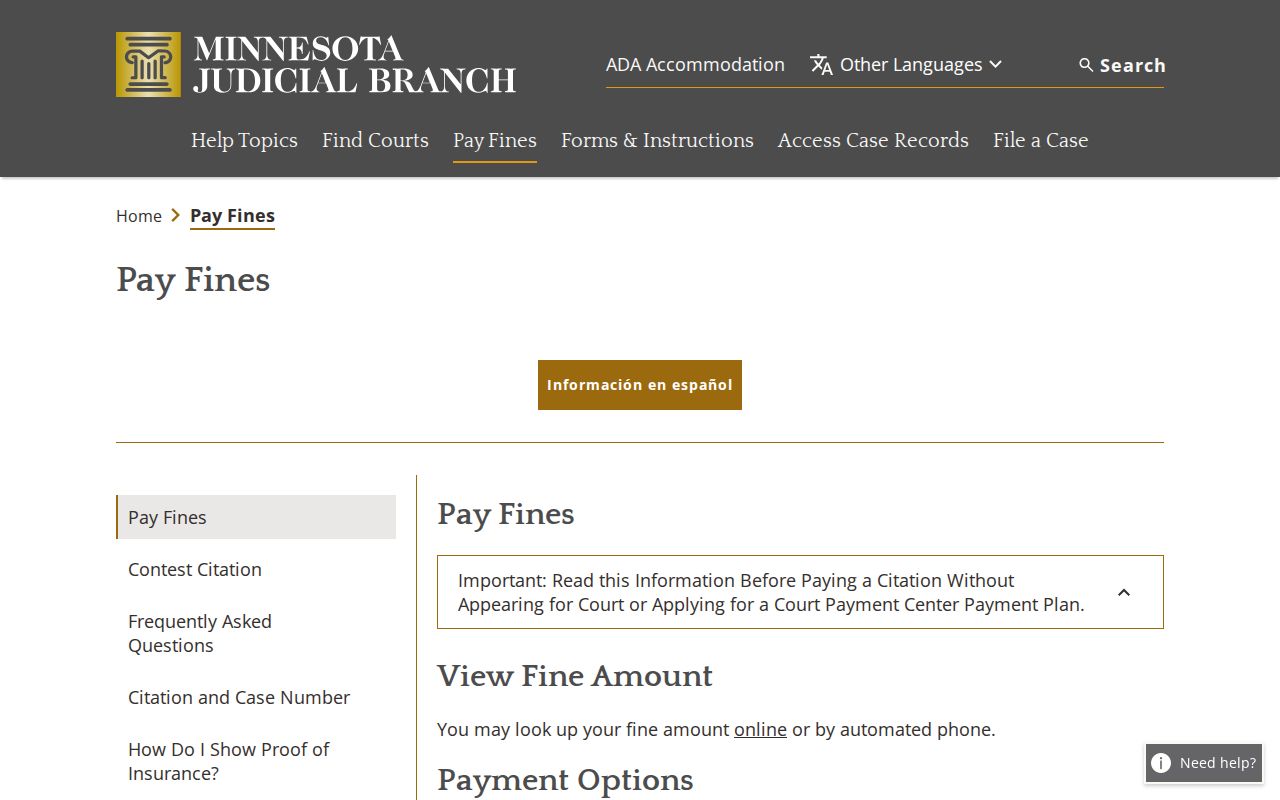
The payment resource covers eligible matters only. It does not stand in for checking the Wabasha court record or your hearing date yourself.
How to Find Your Traffic Court Date
With a known Wabasha traffic case, search MCRO by citation or full case number. Then open the Hearings section. Next, pull up the Wabasha Weekly Public Court Calendar from the Wabasha court page. Search your MNCIS case number or attorney name there. Check the date, time, courtroom, and judicial officer against each other. MCRO Hearing Search helps you find matters by name, number, date, officer, or attorney. Just remember that the public calendar can omit cases, and same-day changes happen.
| Case or citation number | The identifier used to match the ticket to the Wabasha court record. |
|---|---|
| Date and time | The scheduled appearance information, not a guaranteed duration. |
| Courtroom | Published room or court designation, if listed. |
| Judicial officer | Judge or referee named for the setting where available. |
| Setting type | The stated hearing, appearance, review, or other event label. |
The Wabasha PDF posts at 7:00 a.m. on business days and updates hourly. The printed lobby and courtroom calendars are the most current of all. A missing ticket is not a cancellation; call traffic at (800) 657-3611.
Wabasha Calendar Confirmations
Why might a traffic setting be missing from the public calendar? The calendar does not list every matter. It excludes confidential or non-remotely-accessible cases. A courtroom posting can also be newer than the PDF you downloaded. Compare the latest public calendar with the Hearings section in MCRO. Then ask the local court directly if the two conflict.
You cannot tell from a calendar line whether attendance is remote, in person, or hybrid. The local court sends the attendance notice. Minnesota's remote-hearing page says to follow local instructions and bars unauthorized recording or broadcast. The case record and the notice control. A calendar listing gives public context, not the full instructions for an appearance.
Pay or Contest a Ticket
Paying an eligible citation and contesting it are different acts. The statewide Contest a Citation page sends counties outside the listed metro group, Wabasha included, to the local court for instructions. So read the citation, find the Appear By date, and call the Wabasha traffic line before assuming a payment screen or a court date settles the question.
| Route | When it may fit | Wabasha action |
|---|---|---|
| Payment Center | Eligible, payable matter | Read citation and case record before submitting payment. |
| Contest route | Seeking local instructions for a hearing | Call (800) 657-3611 and follow court directions. |
| Mandatory appearance | Felony, gross misdemeanor, or a matter not designated payable | Contact local court; do not assume online payment is available. |
| Local ordinance | Payable only when designated | Confirm through the court record and local instruction. |
Do not wait on an unclear ticket: An endangerment box, complaint or petition, mandatory-appearance designation, or uncertain Appear By instruction requires direct local court guidance.
No deferred-disposition, traffic-course, reduction, or diversion procedure specific to Wabasha County is offered. A ticket label alone tells you nothing; ask Court Administration before assuming any of those options apply to your citation.
Wabasha Payable Case Limits
Statewide payable rules draw the basic lines. Felonies and gross misdemeanors always require an appearance. Misdemeanors require one too, unless the offense is designated payable, and local ordinances count as payable only when they carry that designation. The District Court sets payable amounts for its local ordinances, other amounts come from state law, and the court passes the money along rather than keeping it as general revenue.
Paying online settles nothing about whether a case is payable. The citation itself, the court case record, and instructions from local Court Administration control the answer for Wabasha County. If the case has a hearing, read the calendar and the Hearings section as well. Docket entries change, so never infer eligibility from a ticket label alone. The statewide payable-offense reference spells out these appearance limits in full.
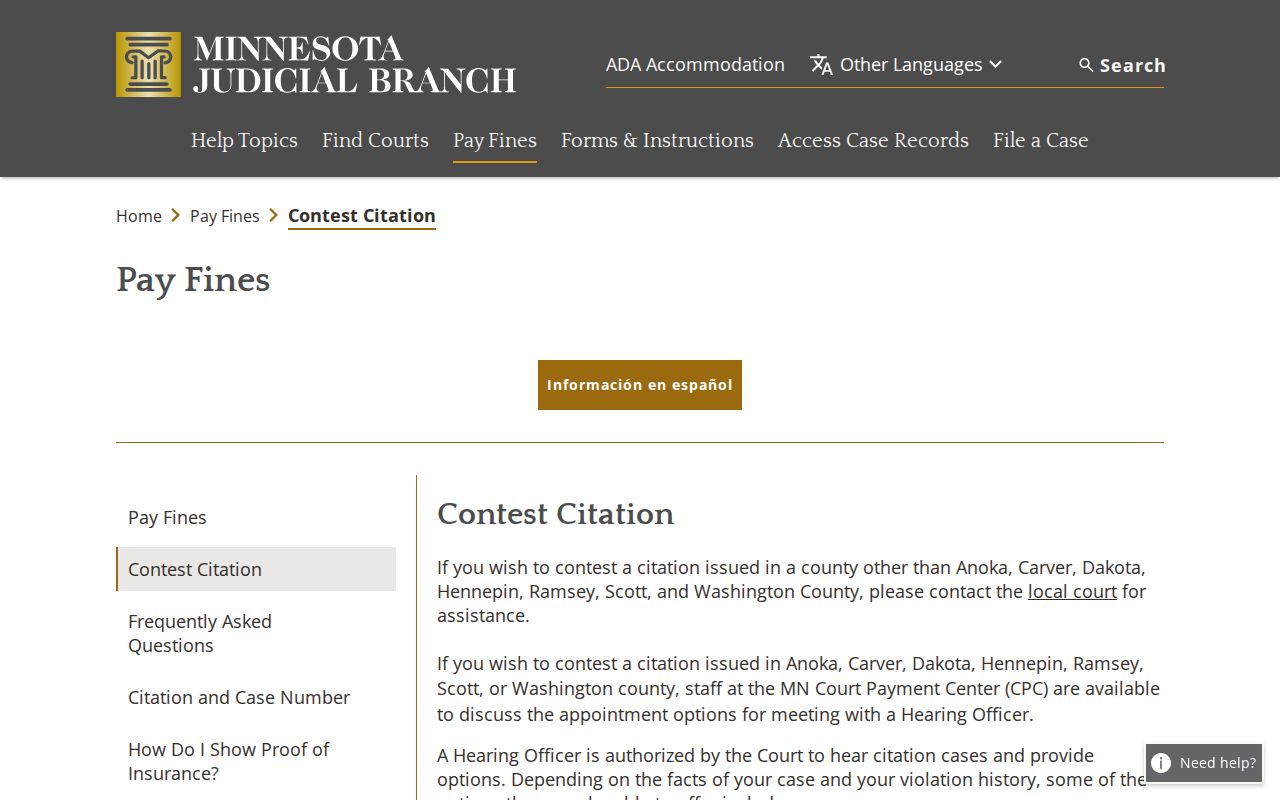
The official contest route runs through the local court. Wabasha County traffic questions go to Court Administration, not to any separate county ticket portal.
Traffic Court Record vs Driving Record
Two different offices hold these two files. The Wabasha court file is a Minnesota Judicial Branch case record. It can hold the MNCIS case number, the citation, the charge, case events, hearing dates, a plea or disposition, fine and fee amounts, payments, and court orders. You reach it through MCRO, the Wabasha calendar, Court Administration, and courthouse access.
| Record | Custodian | What it covers |
|---|---|---|
| Court case record | Minnesota Judicial Branch / Wabasha County District Court | Citation, court events, setting, disposition, financial balance, and orders. |
| Driver record | Minnesota Department of Public Safety | Licensing record, reported convictions, suspensions or reinstatement, and license status. |
Minn. Stat. § 171.16 governs the bridge between the two. Courts must report covered motor-vehicle convictions within ten days, subject to stated exceptions, and the statute adds failure-to-appear provisions. Send licensing questions to DPS and Wabasha case-status questions to Court Administration; neither record stands in for the other.
Wabasha City Ticket Boundary
A city-issued parking, code, or similar ticket may be purely administrative and never become a Wabasha County District Court case. Confirm it with the city that wrote it. The five profiled city pages run no District Court search portal of their own. Once a citation is filed into MNCIS, the District Court and MCRO path matters; if it stays administrative, the city office is the first call.
The MNCIS Local Ordinances Offense Table shows how local-offense fields and payable logic work statewide. It does not prove a Wabasha city ticket reached the court. The citation number, the notice, and the issuing agency tell you whether the record belongs with Court Administration or the city.
The local-ordinance material explains the court's coding. The Wabasha court docket itself confirms whether a traffic matter was ever filed.
Copies and Fees
Copies of a traffic court record come through the same public-record channels as any other Wabasha District Court matter. MCRO gives free public search plus selected documents. The courthouse terminal and counter support authorized inspection. A mail request can ask for a Register of Actions, an order, a judgment, or another named public record. Court Administration issues official copies, and transcripts go through the court reporter route.
| Wabasha record service | Listed amount | Purpose |
|---|---|---|
| Plain copy or printout | $0 | Informational court copy. |
| Certified instrument or imaged printout | $14 | Official court-certified copy. |
| Exemplified and certified copy | $28 | Formal authenticated copy. |
| Certified judgment search | $5 per name | Separate court service. |
| Transcript, criminal or juvenile | $4.25 per page | Reporter-produced record under statewide policy. |
Check the Wabasha fee page for local fees. Verify the county selection and the service you want before paying.
The official traffic reporting statute draws the line between the court record and the licensing record.
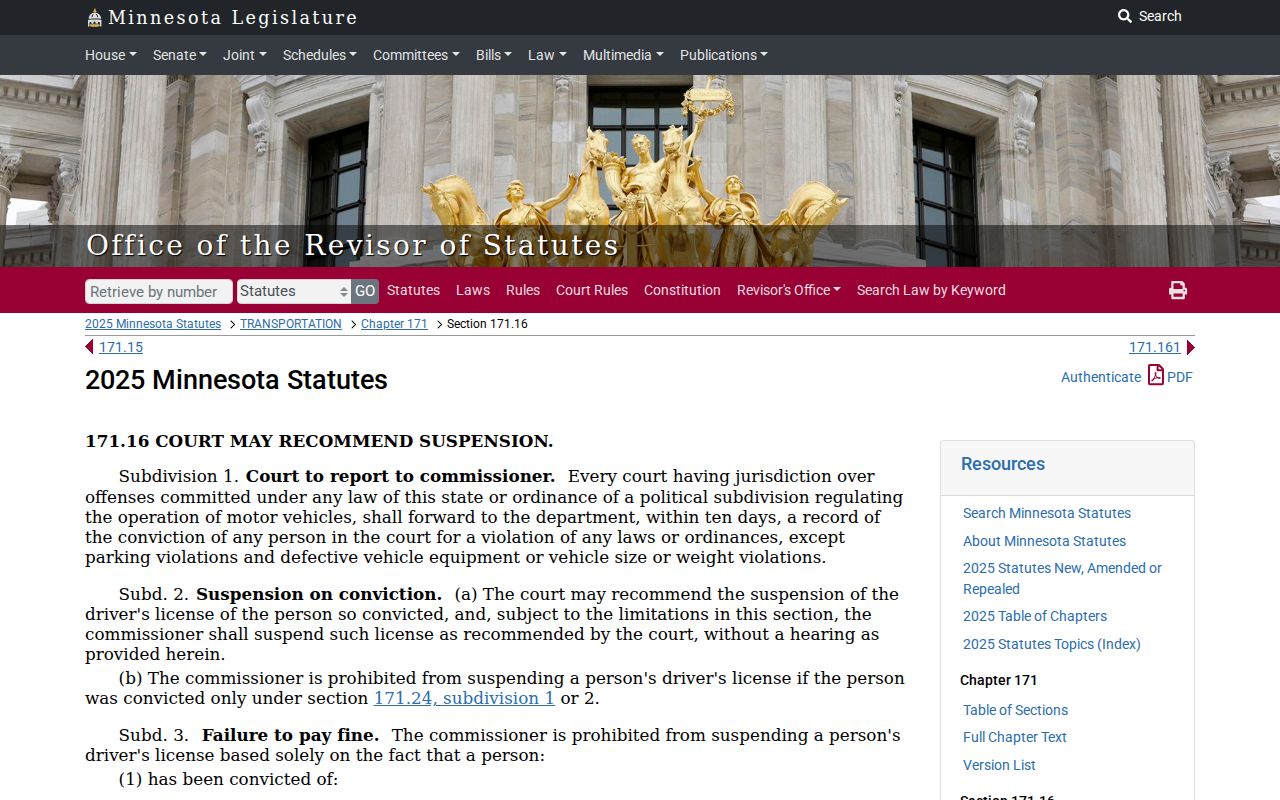
The statute connects a Wabasha court outcome to reporting rules. For the case itself, the court docket is still the record that counts.
Wabasha Traffic Court Channels
A Wabasha traffic court record can be reached several ways. MCRO Citation or Case Search and MCRO Hearing Search cover search and scheduling. The weekly calendar, the Court Payment Center for eligible matters, and the traffic line handle dates and payment. The courthouse terminal or counter, plus a mailed or in-person records request, cover contests, inspection, and copies. Combine them when a case status or court date needs a second confirmation.
The Wabasha traffic line is (800) 657-3611. Court Administration keeps the District Court record. Each city office handles its own administrative tickets. For a certified public copy once the citation is identified, use the local court's certified-copy route. The court posts no separate local citation portal, no universal diversion rule, and no photo-enforcement portal. The Minnesota eFile and eServe landing page covers the filing system itself.
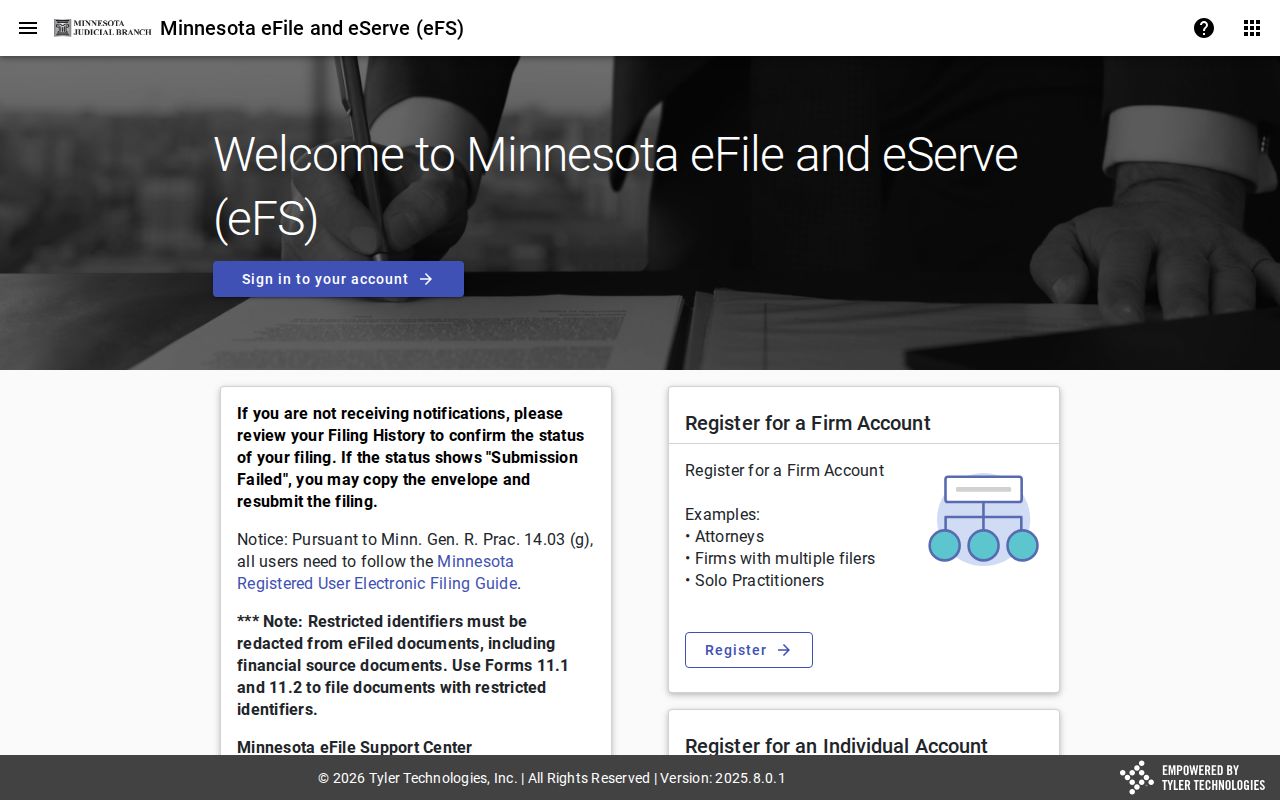
eFile and eServe is a channel for parties filing documents, not for an ordinary public traffic-ticket lookup.