
Wabasha County Court Calendars Explained
The Wabasha County District Court page posts a Weekly Public Court Calendar. It is a searchable PDF. Think of it as a list of settings. Each row can carry the court header, the date and time, the courtroom, the judicial officer, the case number, the case style, and the setting type. Party and attorney names appear too. That text is public docket context, and it deserves careful handling.
Wabasha County District Court handles civil, family, probate, juvenile, criminal, and traffic filings. Even so, not everything shows in the public PDF. Confidential matters and records that are not remotely accessible are left out. An appellate docket sits outside this trial-court calendar entirely. So a local court docket search will never reach it.
Wabasha Weekly Calendar Updates
The Wabasha public calendar goes up at 7:00 a.m. every business day. It gets refreshed hourly. That schedule helps, yet it has a catch. A PDF you saved yesterday can already be stale. So can a docket result you pulled this morning. For the most current court dates, the court itself points to the printed calendars posted outside courtrooms and in public lobbies. Anyone heading to the courthouse should read those postings. Follow any case-specific instructions they give.
If that local route fails, try the district. The Third Judicial District calendar hub collects links to county calendars across the district. Treat it as a backup, not a substitute. It cannot replace the Wabasha case record or the staff in local Court Administration. When an appearance truly matters, match what the calendar shows against the Hearings section in MCRO.
For a case-level check on hearing dates, use the official MCRO Hearing Search. It pulls up each scheduled court date by case number.
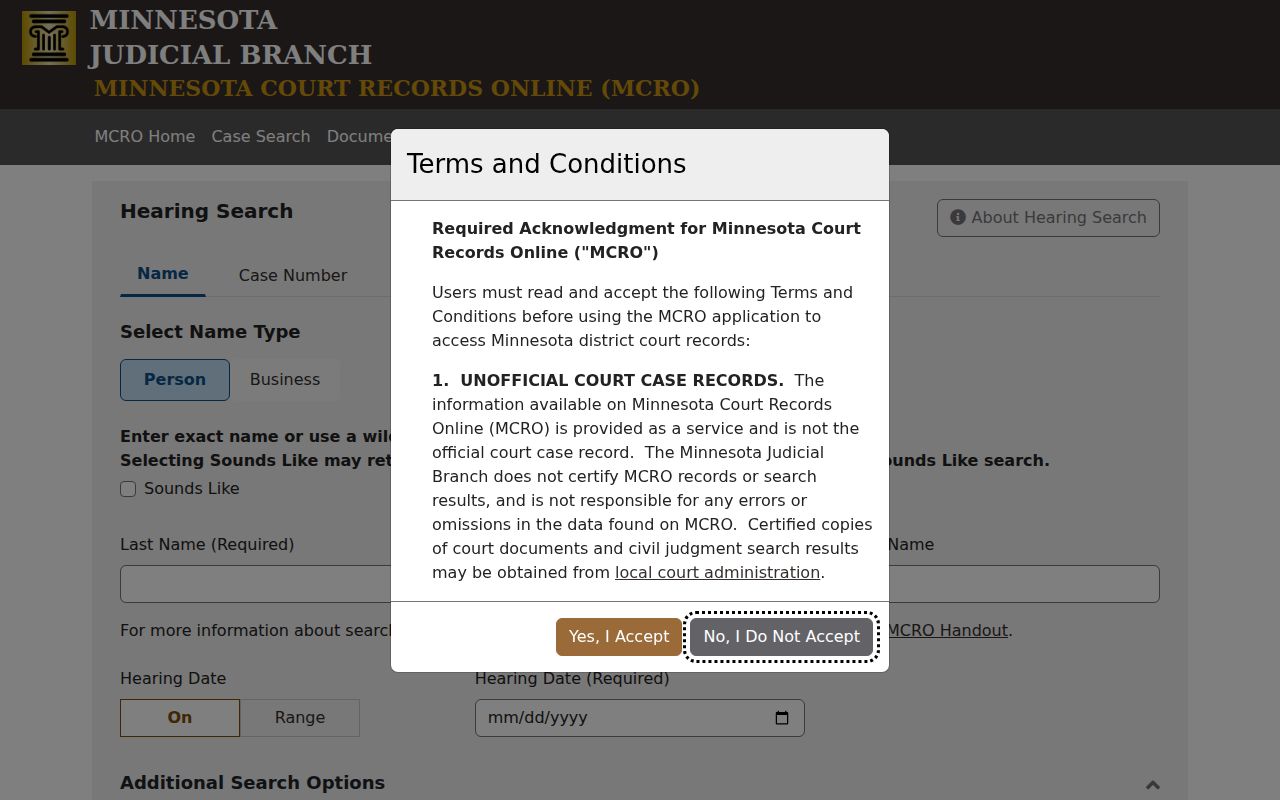
One layer searches statewide. The other is Wabasha's own daily posting.
Finding Your Court Date
Begin with the strongest identifier you have. With a full MNCIS case number, pull up the matter in MCRO Case Search. Open the Hearings section for past and future settings. Without a number, MCRO Hearing Search offers other paths. It takes a person or business name, an attorney, a judicial officer, an exact hearing date or date range, a case category, and a selected Wabasha location. Then search the local calendar PDF by case number or attorney name. That two-step docket search usually pins down the setting.
- Search MCRO by complete case number and open Case Details.
- Read the Hearings section for date, time, and setting information.
- Open the current Wabasha Weekly Public Court Calendar and search the case number or attorney name.
- Compare the date, time, courtroom, and judicial officer in both sources.
- Call Court Administration at (651) 412-8627 if the entries differ, the case is missing, or attendance instructions remain unclear.
In person works too. The courthouse lobby calendar and the public-access terminal both show current settings, and a mail or public-record request can reach a historical calendar or docket entry. For a traffic schedule question, call (800) 657-3611. A city meeting agenda is not a Wabasha court calendar, and the county offers no separate city court calendar portal.
Wabasha Hearing Search Fields
MCRO Hearing Search finds public settings. It decides nothing about a case's merits. Search paths include name, case number, judicial officer, and attorney, along with hearing-date controls, case-category checkboxes, and statewide or selected county locations. Pick Wabasha when you know the venue. A case number is still the safest way to tell one matter from another.
Use an exact date when a notice gives one. Use a date range only when hunting a setting by name. Civil, Criminal, Family, and Probate or Mental Health categories filter the results. You must accept the system's terms, and public access limits can narrow what comes back. A blank search proves nothing. It does not establish that no hearing exists.
| Field | What it helps locate | Use with care |
|---|---|---|
| Case Number | One known Wabasha court file | Enter a complete number. |
| Hearing Date | Exact day or range | Do not infer duration. |
| Judicial Officer | Public settings by officer | Confirm the case identifier. |
| County location | Wabasha public settings | Use statewide if venue may differ. |
How to Read a Court Setting
Each calendar row or MCRO hearing entry packs a lot into one line. The date is the scheduled day. The time is the listed start. It is not a forecast of length. The courtroom names a room when the court lists one, and the judicial officer may be a judge or a referee. The setting type signals the public purpose of the appearance, though labels vary from case to case.
| Date | The scheduled calendar date, checked against the latest posting. |
|---|---|
| Time | Listed start time; do not assume an exact hearing duration. |
| Courtroom | Room or courtroom designation, where published. |
| Judicial officer | The judge or referee assigned to the setting. |
| Case number | The MNCIS identifier used to confirm the correct Wabasha case. |
| Setting type | Such as arraignment, motion, conference, trial, review, or hearing. |
Note: the court can change a public case calendar at any time. Confirm a date through the current record, not an old printout.
Wabasha Calendar Terms
A hearing label marks a stage, never an outcome. An arraignment or first appearance comes early. Charges, rights, counsel, and next steps may come up at this early criminal step. A pretrial or omnibus setting happens before trial. A motion hearing deals with a filed request for a ruling. It asks the court to decide something. A status or settlement conference serves a different purpose, and a sentencing or review can follow an earlier result in the case.
- Continuance / reset
- A setting moved to another date; check both the prior and new entries.
- Motion hearing
- A scheduled hearing on a filed request for court action.
- Status conference
- A setting used to assess case progress or next steps.
- Trial
- The evidentiary proceeding; a listing does not guarantee it will occur as scheduled.
For the exact meaning of any label, read the case record and the local notice. No Wabasha calendar is promised to use every label.
Continuances, Resets, and Cancellations
Sometimes a Wabasha County hearing simply moves. A continuance or reset shows up in the docket as a new hearing entry, a case event, a notice, or a revised calendar line. None of those things means the case was dismissed. A line that vanishes from the calendar proves even less. The Wabasha PDF is expressly incomplete and subject to updates.
So verify before assuming. Compare the latest PDF with the Hearings section of MCRO Case Details. Then check the printed courthouse calendar or call Court Administration. The court's own page warns against that. Readers should not draw conclusions from absence alone. A notice from the court or your attorney still matters, because the public calendar is not the only way the court communicates with parties.
Wabasha Remote Hearing Notices
Minnesota's permanent district-court hearing framework took effect February 3, 2025 after Policy 525 revisions. That statewide structure is a starting point. A single Wabasha County calendar line still cannot tell you whether an appearance is remote, in person, or hybrid. The local court supplies the joining details. The remote-hearings page tells participants to follow local instructions. It also warns against recording or broadcasting a hearing without authorization.
For criminal, juvenile, and juvenile-protection matters in most counties, eCheck-In is the tool. Test any Zoom link ahead of time. Let the local notice, not the case type or the word "hearing," control how you attend. A calendar room field is no basis for an assumption either. Court Administration handles case-specific scheduling questions. The law clerk line at (651) 412-8634 is a judicial-office routing contact. The Judicial Branch hearing-framework announcement is where the policy change itself is explained.
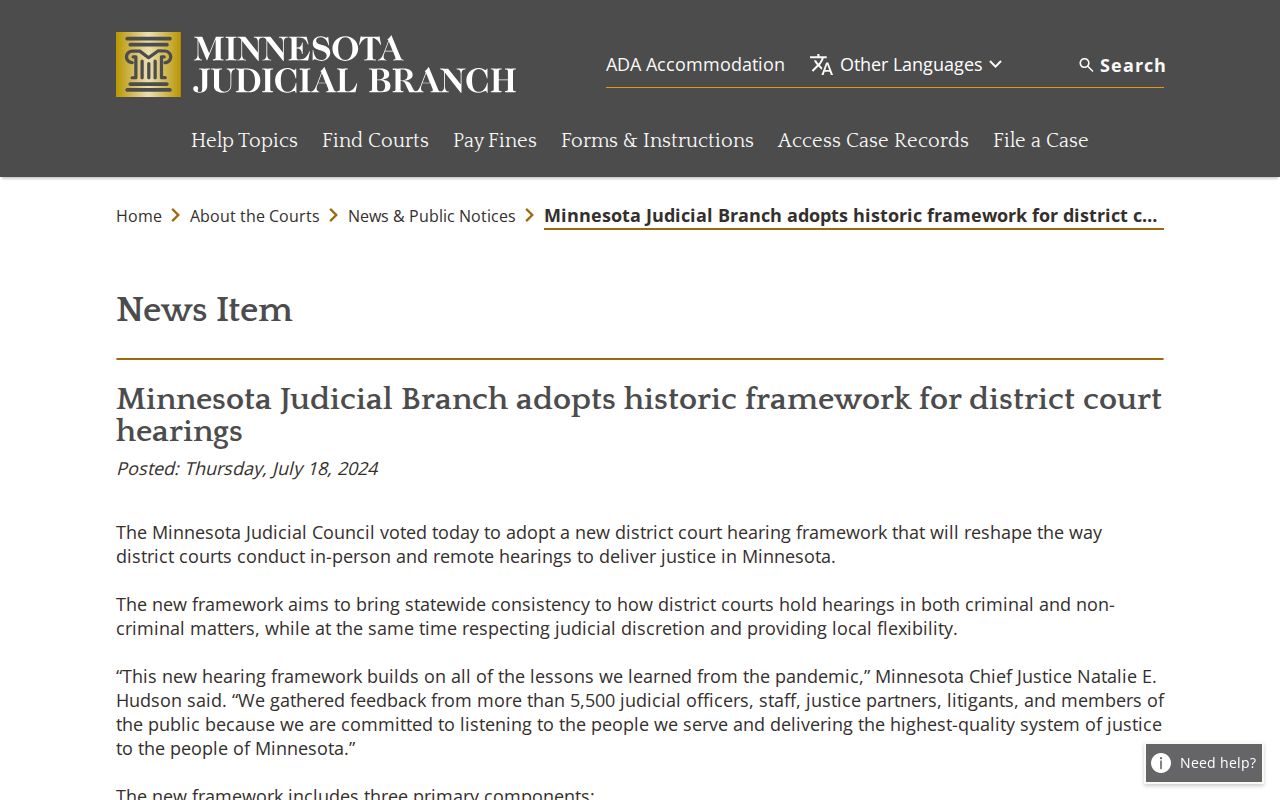
The statewide framework sets the stage. For any single Wabasha setting, the calendar and the case notice decide whether you show up, dial in, or both.
If You Miss a Court Setting
Miss a Wabasha County court date? Deal with the court directly. An unchanged online docket entry tells you nothing. Criminal, traffic, civil, family, and other cases carry different consequences and different next steps. Call Wabasha Court Administration at (651) 412-8627 with the case number handy. For a traffic matter, use (800) 657-3611. Give the date, the type of setting, and any notice you received. That lets the court route your question correctly.
Act promptly: A calendar omission is not a cancellation. Use the latest calendar, the MCRO hearing record, and Court Administration to confirm whether a Wabasha County setting remains pending or has moved.
A calendar cannot answer whether a warrant, disposition, or court order exists. That question needs the actual case record, and access to it may be limited. If the court asks for a written request, include the case number and name the public setting or record you want.
Wabasha Calendar Fallbacks
Online, the Wabasha Weekly Public Court Calendar and MCRO Hearing Search carry the court dates. In person, the counter, the public-access terminal, and printed courthouse postings fill the gap. Court Administration is the local phone route. The Third District calendar hub works as a navigation fallback, and a written request can reach a historical public entry. Each channel does a different job, so a solid date lookup often takes more than one.
Restricted cases may be left out of both remote search and the calendar publication. The clerk cannot confirm a record that is not public. City clerks, for their part, cannot operate or certify a Wabasha District Court calendar. Minnesota Court of Appeals dates run through the appellate system, not the county calendar. Across all of these Wabasha County court-date sources, a matching case number is the bridge that ties them together.