
How to Search Cases by Name
For a statewide lookup, open Minnesota Court Records Online. Narrow Court Locations to Wabasha when you know the venue. Pick Name, tell it Person or Business, and fill in as few fields as you can trust. A person search needs the last and first name. The middle name is optional. Struggling with spelling? Try exact variants, a trailing wildcard, or Sounds Like. The last two cannot work together.
A name hit is only a lead. Weigh the case number, court location, filed date, case type, party role, and status before calling it the right Wabasha file. One gap matters here: pending criminal, traffic, or petty-misdemeanor matters with no conviction may not show up in a name-based Case or Hearing Search. The case number is the stronger route then.
- Open MCRO and accept the required terms.
- Choose Name, then Person or Business.
- Enter the available name fields and select Wabasha under specific county locations.
- Use category, date-filed, or status filters only when the information is reliable.
- Open Case Details and confirm identifiers before reading events or documents.
Wabasha MCRO Search Modes
MCRO gives you four search surfaces: Name, Case Number, Citation Number, and Attorney. The Attorney path takes a name or a Minnesota license number. For the number tabs, entries must be complete. Dashes and leading zeros are optional. Skip the spaces. The location control can sweep all statewide courts or just Wabasha County locations.
Date of Birth, Date Filed, Case Category, and Case Status narrow things further. Categories run Civil, Criminal, Family, and Probate or Mental Health. Status choices are All, Active, and Inactive. Keep in mind these are filters, not findings about any case. Go broad only when you must, then verify each Wabasha result in the case detail.
| MCRO control | Type | Wabasha lookup use |
|---|---|---|
| Name | Person or Business | Locate a possible case by party name. |
| Case Number | Complete text value | Directly find a known file. |
| Citation Number | Complete text value | Locate a citation after court submission. |
| Attorney | Name or MN license number | Refine a represented matter. |
| Court Locations | Statewide or county list | Filter the 87-county list to Wabasha. |
The official MCRO Case Search provides the controls shown below.
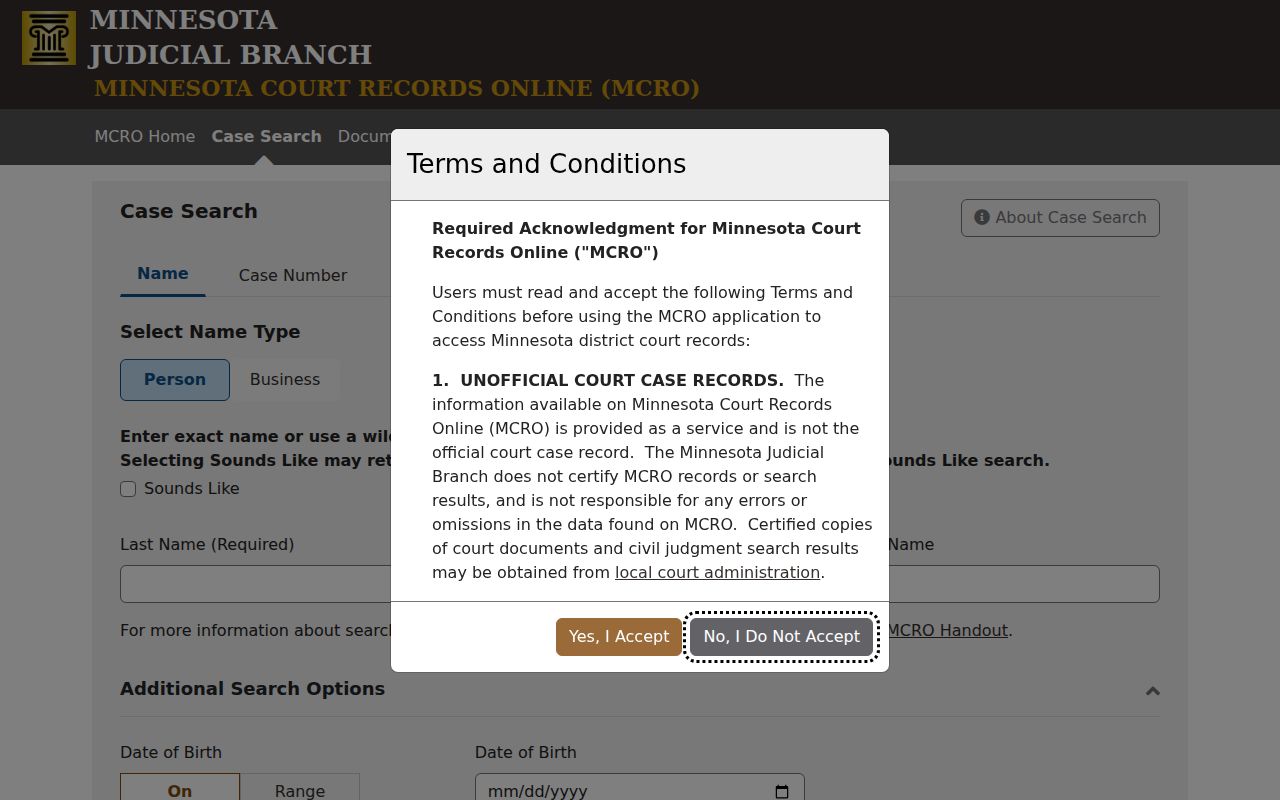
MCRO is one statewide search layer, not a separate city portal for Wabasha County District Court records. Every search runs through the same system.
How to Search by Case Number
Nothing beats a complete case number for a lookup. It is the MNCIS identifier the court assigns to a case. Copy it from a notice, citation, or earlier court record rather than guessing at a pattern. A shape like XX-XX-XXXX is just a visual aid, not a promise about Wabasha formatting.
In the Case Number tab, type the whole number with no spaces. Dashes and leading zeros are optional in MCRO. An error usually means the number is incomplete. Track down the full identifier from the court notice, citation, prior materials, or Wabasha Court Administration. When the result opens, work through Court Location, Case Information, Case Events, Hearings, and Dispositions.
A citation may not yet have a court case number. Its own MCRO tab will find it. Need to pin down a traffic court date? Match the citation, MNCIS case number, and Hearing Search against Wabasha court dates.
Wabasha Results and Session Limits
MCRO caps results at 200 and lists them newest first by default. You can flip to Oldest First, Print, or View Case Details. A long list is your cue to refine. Do not guess among people with similar names. Case Details carries the identifier and context. That is how you tell whether a result belongs to Wabasha County District Court.
Sessions expire after 30 idle minutes, with a warning near the 28-minute mark. Technical trouble? The official advice is to click more slowly. Clear cache and cookies, drop private browsing or VPN/proxy settings, and use a current supported browser. Then retry. Help lines exist for MCRO itself: (651) 413-8160 in the metro and (833) 707-2791 elsewhere. They cannot rule on Wabasha scheduling or legal questions.
Note: A remote result is not a certified court record. Need something official? Confirm with Court Administration before relying on a filing, judgment, or date.
What a Case Search Shows
Open a case in MCRO. Case Details may show an Overview, Case Information, Party Information, Case Events, Hearings, Dispositions, and Financial Information. Criminal files can add Warrants, Charges, Interim Conditions, Case Assignment, and Bond/Bail Activity. Fields shift with case type and access rules. A Wabasha case search shows what the court makes available. It never promises that every case holds every field or document.
| Case Information | Case number, title, type, filed date, location, officer, status, citation number, flags, and related cases. |
|---|---|
| Party Information | Public role labels and available attorney association; avoid treating public fields as a full identity record. |
| Case Events | Register of Actions entries, dates, descriptions, and available document index. |
| Hearings | Upcoming and earlier public settings. |
| Dispositions | Recorded criminal or civil outcomes as the case shows them. |
| Financial Information | Available fines, fees, payments, credits, judgments, and balance information. |
The official MCRO results handout explains the results and detail controls.
Wabasha Document and Judgment Search
Document Search works differently from a name lookup. It sits inside MCRO as its own tool. You need a full case number, and in return it pulls up the public online documents tied to that Wabasha case. Not every filing shows up, though. An image can be withheld because of its filing date, the case category, a confidential or sealed status, or limits on remote access. So a Register of Actions entry does not guarantee an attached document.
Judgment Search is a third MCRO surface. It lets you search by person or business. Filter by the date a judgment was docketed, and set a judgment-status control. You can run it statewide or narrow it to selected Wabasha locations. The public page does not publish the status values, so treat that menu as something to explore rather than predict. One caution matters here. A search result is not the same as a certified judgment or a transcript of judgment from Court Administration.
For the public-image route, the official Document Search page is where each search begins.
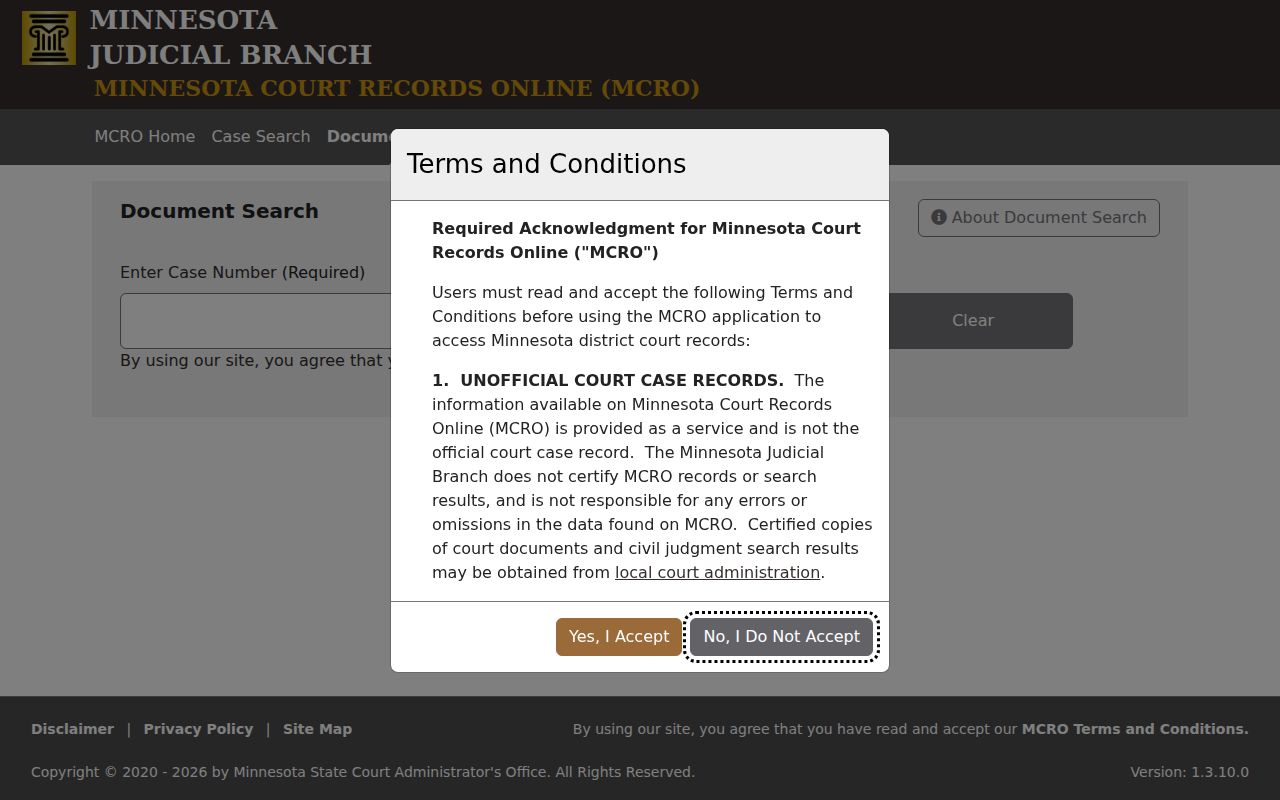
Have the complete Wabasha case number ready before you start, since that number is what ties the document search to the correct public court file.
The official Judgment Search page runs the judgment lookup as its own separate route.
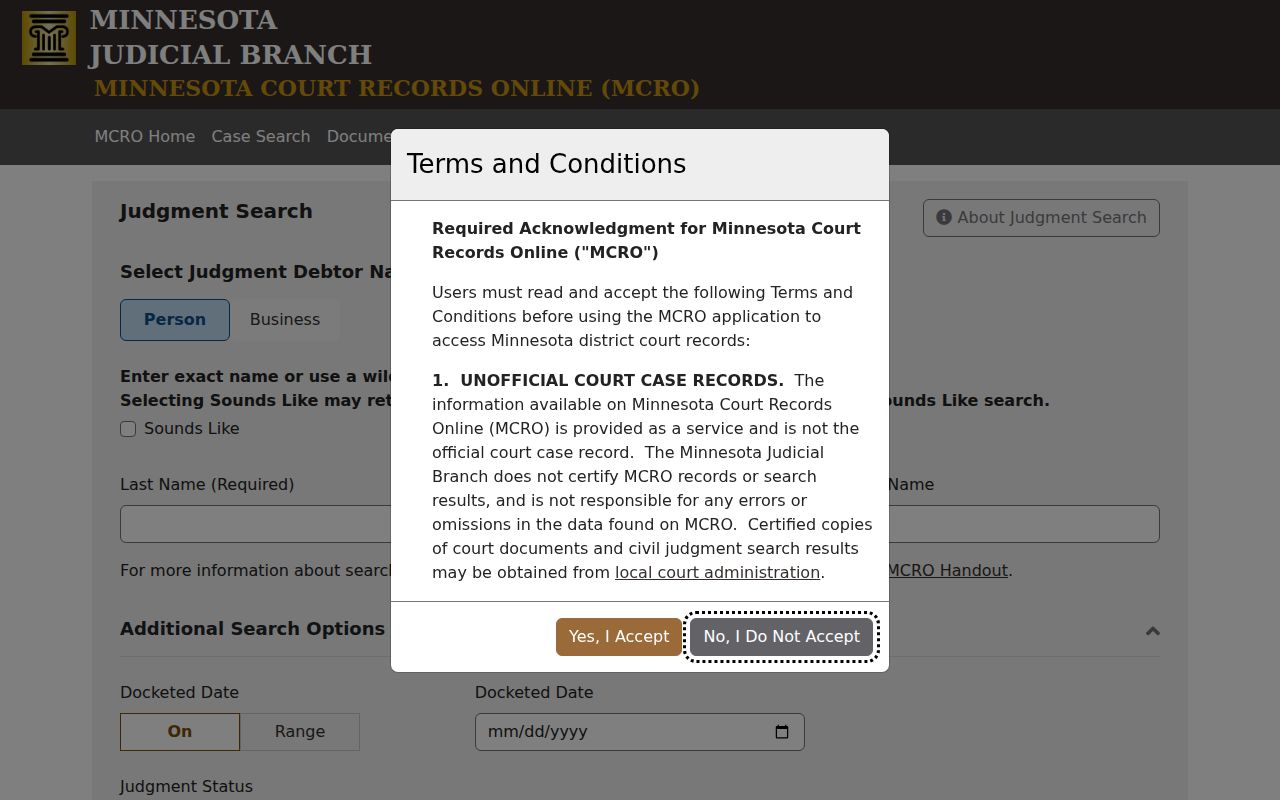
A Wabasha judgment result points you to a record that still needs confirming, and it never replaces a certified copy.
County vs Statewide Case Search
MCRO covers all of Minnesota, with Wabasha among its 87 county choices. Going statewide makes sense when you do not know which court holds the case, when a matter may have moved between venues, or when a common name needs narrowing across courts. Picking Wabasha points the search at the local trial court instead. Either way, it is the same MCRO system searching public Minnesota Judicial Branch material. There are not two competing portals, one county and one state.
| Search scope | Best use | Next confirmation |
|---|---|---|
| Selected Wabasha location | Known Wabasha County District Court case | Read Case Details and local calendar. |
| Statewide MCRO | Uncertain venue or wider name search | Confirm county and case number. |
| P-MACS | Minnesota appellate matter | Separate from the Wabasha trial register. |
| Courthouse terminal | Authorized public material not remote | Ask Court Administration about access. |
Two other systems sit outside MCRO entirely. The Minnesota Court of Appeals keeps its own appellate records, and federal matters live in PACER. If a case never appears in a Wabasha MCRO search, that may simply mean it belongs to a different court, not that the record is missing.
Wabasha Terminal and Court Help
For fuller electronic access than remote MCRO allows, the public-access terminal at the Wabasha courthouse can open more authorized material. The counter staff can point you to the right request path, let you inspect a public record, or issue a certified copy. Court Administration answers its main line at (651) 412-8627. Traffic questions can go through (800) 657-3611. Administrator names listed online do not always agree. Call the main line to confirm who currently holds the Court Administrator role before relying on a named listing.
A specific copy request also works by mail. Include the case number and the document or record you want. Add the event date if you know it, plus the copy type and your contact details. Include payment information if a fee applies. Minnesota eFile and eServe is a tool for parties filing and serving papers, not a public case-search substitute. Once you have identified the case and want a deeper court record, turn to the Wabasha court record search.
Wabasha Citation Lookup
The Citation Number tab in MCRO helps when a Wabasha traffic citation has not yet been matched to its MNCIS case number. Type the complete citation with no spaces. Dashes and leading zeros are optional either way. Once the case opens, verify that it sits in Wabasha, then work through Case Events, Hearings, Dispositions, and Financial Information as far as the public record allows.
Be clear about what this route is. It does not create a separate local trial-court docket. A city administrative ticket belongs with the city that issued it. Confirm it there. When a citation has actually been filed into District Court, the Wabasha MCRO record and the traffic line at (800) 657-3611 are the court-specific channels to use.
Restricted Cases and Access Rules
Remote MCRO does not show every court record. Some categories stay off the public screen. These include domestic-abuse and harassment matters, child-protection records, certain juvenile delinquency records, civil-commitment material, and parts of family filings. A restricted case might drop out of name search. It could vanish from the calendar, or appear only as a limited public case shell. Keep one thing in mind when a result does not come back. That silence proves nothing about whether a proceeding ever occurred.
Minnesota access framework: Minn. R. Pub. Access 8 governs remote access, inspection, copies, excluded data, and restricted categories. Minn. R. Pub. Access 4 identifies public and non-public categories. Minn. Stat. § 13.90 directs judicial-record access to Supreme Court rules.
When a Wabasha result will not appear, you still have moves. Check whether a case-number search fits, try the courthouse terminal, call Court Administration before you drive over, or send a specific public-record request. Two things will not work, though. A city clerk cannot unlock a District Court record. And no public search system gets you around a sealed order.